
How to Check Your CS2 Inventory Value (Free, No Login)

Checking your CS2 inventory value takes less than a minute. You need a public Steam inventory and a free CS2 inventory value checker such as CSGAIN, which prices every skin at Buff163 and Steam Market prices without a login. This guide walks through the three steps, explains what the numbers mean and why two sites rarely show the same total.
Step 1: Make your Steam inventory public
Inventory checkers can only read inventories that Steam shows to the public. If yours is private, every checker returns an error.
- Open your Steam profile and click Edit Profile.
- Go to Privacy Settings.
- Set My profile and Inventory to Public.
Changes can take a few minutes to reach Steam's public inventory data. Making the inventory public is safe: other people can see your items, but nobody can trade or take them without your Steam login.
Step 2: Copy your Steam profile link
CSGAIN accepts three formats, so use whichever you have at hand:
- your profile URL, for example
steamcommunity.com/id/yourname - your vanity name, the part after
/id/ - your SteamID64, the 17-digit number in
steamcommunity.com/profiles/7656…
Step 3: Paste it and check the value
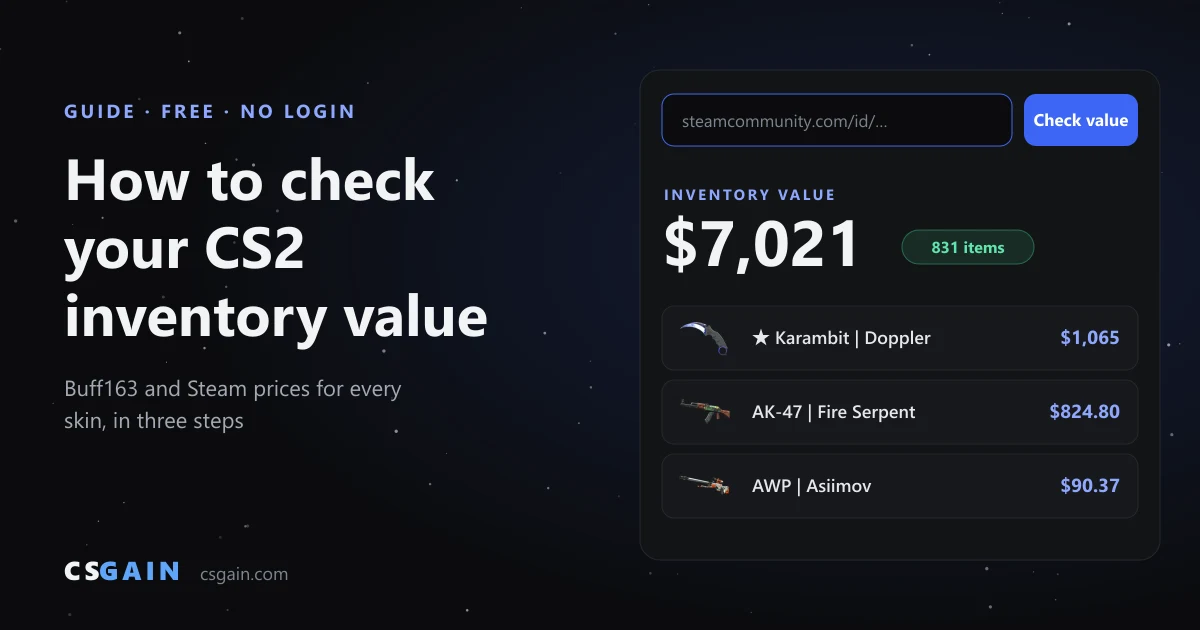
Paste the link into the search box on csgain.com and click Check value. You get:
- the total inventory value at Buff163 prices, plus the Steam Market total
- a price for every item, with its exterior and the markets it trades on
- your most valuable skins first, each linked to its price history
No account is needed for any of this. You can check any public inventory the same way, including friends, streamers and pro players.
Why do sites show different values for the same inventory?
The same inventory can be "worth" very different amounts depending on the price source. These are the main reasons:
- Buff163 vs Steam Market. Money on the Steam Market stays in your Steam Wallet, and every sale pays a 15% fee, so Steam prices sit well above cash market prices. CSGAIN shows both and uses Buff163, the largest cash market for CS2 skins, as the main value. Read more in Buff163 vs Steam Market: Which CS2 Prices Are Real?
- Trading site prices. Trading and case sites often value items at their own buy or sell prices, which include their margin.
- Rare floats, patterns and stickers. Checkers price items at their normal market price. A rare pattern, a very low float or valuable applied stickers can make a specific item worth more than that.
- Items you can't see. Items inside Storage Units are not part of the public Steam inventory, so no checker can count them. Non-tradable items such as Service Medals have no market value and are left out.
How CSGAIN prices your inventory
Every item is matched against Buff163 prices from PriceEmpire, refreshed about once an hour. Items without a Buff163 price fall back to the Steam Market price. The total is the quantity of each item multiplied by its price. Behind it sits a free CS2 skin price database with a page and price history for more than 27,000 items, so you can click any skin to see where its price is heading.
Track your inventory value over time
A one-time number tells you what your inventory is worth today. To know whether you are making or losing money, track it:
- Log in for free and enter what you paid for each skin. CSGAIN then shows profit and loss and ROI per skin and for the whole inventory.
- The value chart on your dashboard shows how your inventory moved over days and weeks.
- The dashboard compares the skins you hold with the CSGAIN CS2 Skin Index, so you can see whether you beat the market.
- Share your inventory on Discord, Reddit or X with the Share button; the link shows a preview card with your value and top skins.
FAQ
Is checking my CS2 inventory value free?
Yes. Checking any public inventory on CSGAIN is free and needs no login. A free account only adds buy prices, profit and loss tracking and the leaderboard.
Do I need to log in with Steam?
No. CSGAIN reads the public inventory from Steam, so it never needs your Steam password or a trade link to show the value.
Why does it say my inventory is private?
Your profile or inventory privacy is not set to Public, or Steam has not updated yet. Set both to Public in Privacy Settings and try again a few minutes later.
Why is my CS2 inventory worth less than on Steam?
Steam Market prices include a premium because Steam Wallet money can't be cashed out, and sellers pay a 15% fee. Buff163 prices are closer to what skins sell for in cash, which is why CSGAIN uses them as the main value.
How often are prices updated?
Prices for items in tracked inventories refresh about every hour; the full market updates every day.
Check your CS2 inventory value now on csgain.com. It is free and takes about a minute.